Flutter
#Flutter. shared preferences
jjjuyoa
2023. 12. 26. 20:37
플러터에선 중요한 데이터를 제외한 단순데이터를 비동기적으로 유지하기 위해서 'Shared Preference' 를 사용할 수 있다.
https://pub.dev/packages/shared_preferences
shared_preferences | Flutter Package
Flutter plugin for reading and writing simple key-value pairs. Wraps NSUserDefaults on iOS and SharedPreferences on Android.
pub.dev
pub.dev에서 지원해주는 패키지로 쉽게 설치하여 사용할 수 있다.
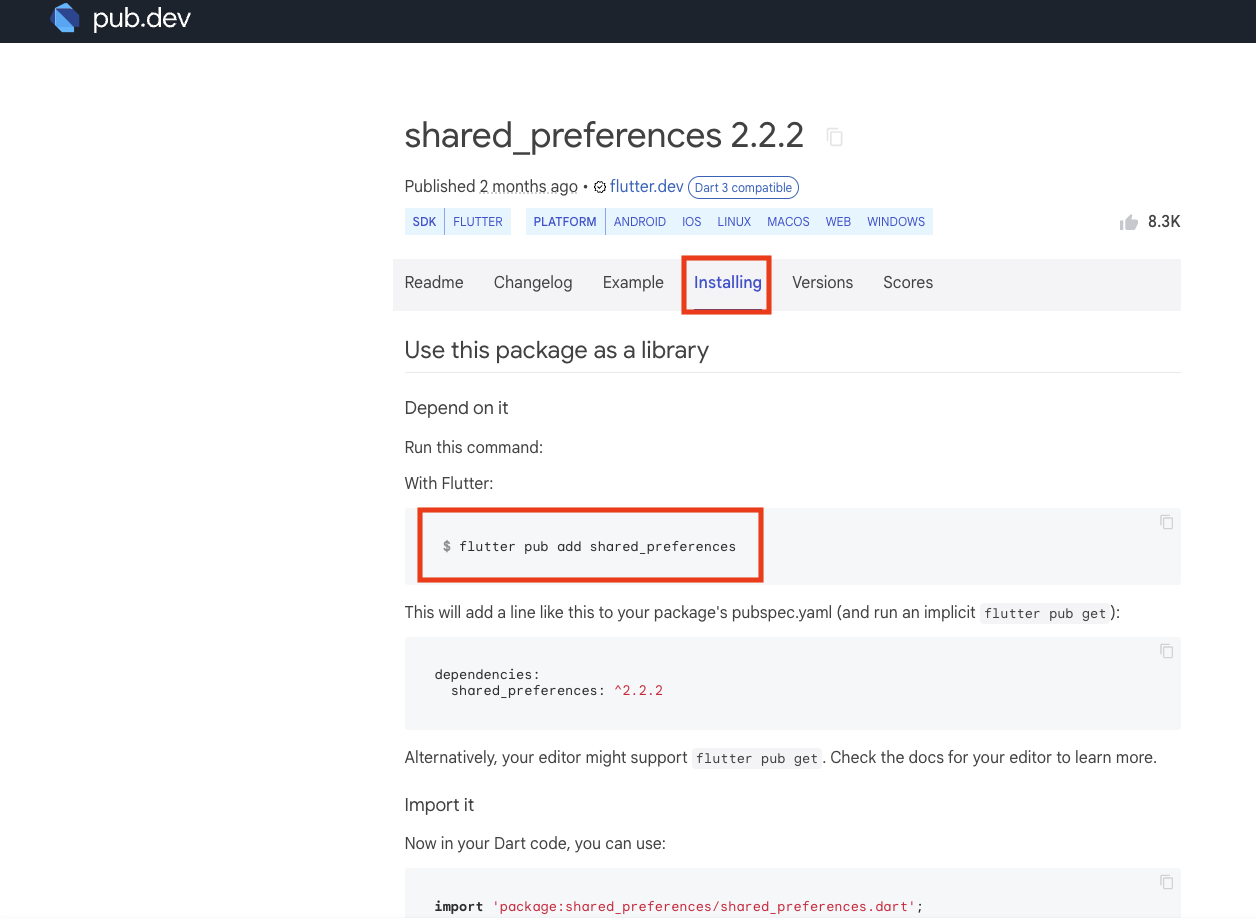
공식문서를 보면 터미널에 'flutter pub add shared_preferences'를 입력하면 쉽게 설치가 가능하다.
사용법
1. shared preferences를 import해준다.
import 'package:shared_preferences/shared_preferences.dart';
2. shared preferences 인스턴스 생성하기.
final SharedPreferences prefs = await SharedPreferences.getInstance();
3 . 데이터 설정 시 문법
3 - 1. 저장
// await prefs.setInt([key값], [value값]);

await prefs.setInt('counter', 10); //Int형 저장

await prefs.setBool('repeat', true); //Bool형 저장

await prefs.setDouble('decimal', 1.5); //Double형 저장

await prefs.setString('action', 'Start'); //String형 저장

await prefs.setStringList('items', <String>['Earth', 'Moon', 'Sun']); //String list 저장
3 - 2. 값 읽기
// final int? counter = prefs.getInt([key값]);
// key값에 맞는 value 값을 변수에 저장

final int? counter = prefs.getInt('counter');

final bool? repeat = prefs.getBool('repeat');

final double? decimal = prefs.getDouble('decimal');

final String? action = prefs.getString('action');

final List<String>? items = prefs.getStringList('items');
3 - 3. 삭제
//await prefs.remove([key값]); 해당 키값의 데이터를 삭제

await prefs.remove('counter');
이렇게 shared preferences를 사용하면 데이터를 쉽게 핸드폰 로컬에 저장하여 사용할 수 있다.
나의 경우 버튼 이벤트에 상태같은 가벼운 데이터를 저장하기위해 shared preferences를 활용했다.
https://github.com/jjjuyoa/toonflix
GitHub - jjjuyoa/toonflix
Contribute to jjjuyoa/toonflix development by creating an account on GitHub.
github.com